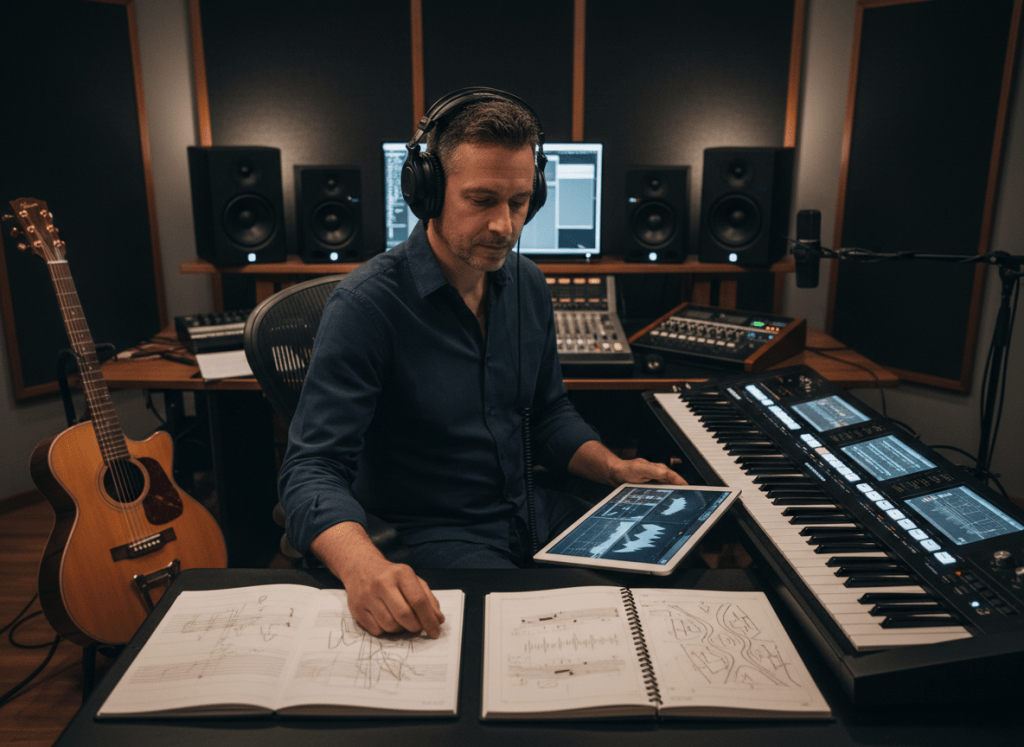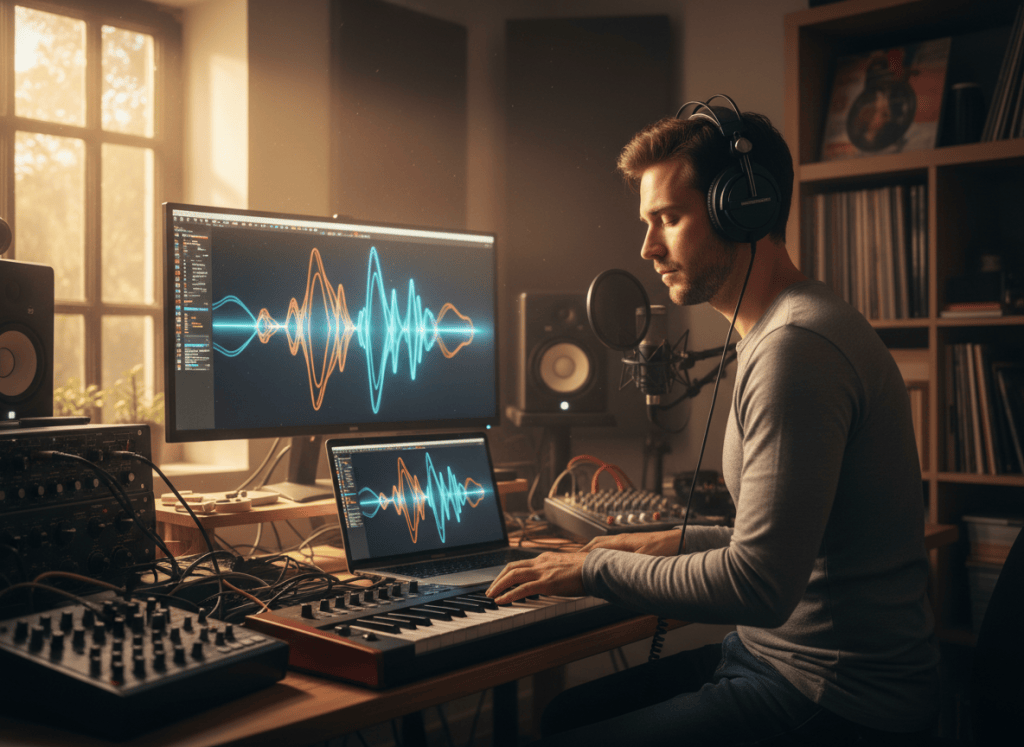
STEM SEPARATION WORKFLOW
Separate only the parts you actually need
Start with the clearest authorized source audio available, choose the smallest useful stem split, and judge the result by the job it needs to do.
Sometimes you do not need a new song. You need access to the parts inside a song you already have.
A singer may want the instrumental so they can rehearse without the original lead vocal. A guitarist may want to mute the guitar and play along with the rhythm section. A producer may need an isolated vocal for an authorized remix. A choir director may want a cleaner reference for one musical layer.
That is the purpose of stem separation: taking a finished audio mix and estimating the individual musical parts inside it.
ShiMuv Stem Studio can work with audio already saved to a ShiMuv account or with a private audio upload. The current production workflow supports multiple stem profiles, including deeper separation beyond a basic vocals-versus-instrumental split, so creators can work with parts such as vocals, drums, bass, guitar, piano, strings, percussion, synths, and other detected elements when the source and selected profile support them.
The important word is detected. Stem separation should uncover what is present in the recording, not invent instruments that were never there.
What Is a Stem?

A finished song normally reaches the listener as one mixed audio file. Inside that mix are many layers: lead vocals, background vocals, drums, bass, guitars, keys, strings, effects, and more.
A stem is one separated musical layer or group of layers extracted from that mix.
For example, a simple split might give you:
- vocals
- instrumental
A deeper split might produce:
- vocals
- drums
- bass
- guitar
- piano or keys
- strings
- percussion
- synth or ambience
- other detected parts
The exact result depends on the music itself. A song without strings should not suddenly produce a meaningful string part just because the separation profile supports strings.
Decide What You Actually Need Before Splitting
More stems are not always better.
Start with your end goal.
If you want to sing the song yourself
You probably need a clean instrumental or a vocals-versus-instrumental split.
If you want to rehearse one instrument
Use a deeper split so you can isolate or remove that instrument while keeping the rest of the arrangement.
If you are producing an authorized remix
You may want the vocal, drums, bass, and musical accompaniment as separate layers so you can rebuild the arrangement deliberately.
If you are studying the arrangement
Multiple stems can help you hear where instruments enter, how the bass interacts with the drums, or how background vocals support the lead.
Choose the smallest separation that gives you the control you need. It keeps the workflow clearer and makes the resulting files easier to organize.
Start With the Best Source Audio You Have
Stem separation cannot restore detail that was never present in the file.
For the cleanest starting point:
- use the highest-quality authorized source available to you
- avoid a recording that has already been heavily compressed several times
- avoid screen-recorded or speaker-recorded audio when an original file exists
- choose a file without unrelated talking, notification sounds, or extra noise
- listen to the source before processing it so you know which artifacts were already present
A WAV or other high-quality source can give the separator more information to work with than a badly compressed copy, although a good MP3 may still be perfectly usable for rehearsal or study.
Use ShiMuv Stem Studio
Open ShiMuv Stem Studio at:
https://shimuv.com/tools/stem-splitter
The current production workflow lets you either choose an existing ShiMuv recording or privately upload an audio file. The interface then presents the available separation profiles and quality choices before submission.
Practical workflow
- Choose your source. Select an existing ShiMuv recording or upload audio you are authorized to process.
- Choose the number of stems you actually need. A simple practice track may not require the deepest split.
- Choose a quality level. The production interface currently offers Fast, High quality, and Studio options when available for the selected profile.
- Review the credit requirement before starting. ShiMuv shows profile pricing before submission and prevents unavailable profiles from being charged.
- Start the separation. The job processes privately and saves the resulting stem artifacts to the job.
- Preview the parts. Listen to the separated stems rather than assuming every detected layer is equally useful.
- Download the stems you need. Keep only the parts that serve your rehearsal, editing, remix, or study workflow.
Build a Vocal-Free Practice Track
If your goal is to rehearse a song without the original singer, use the separated instrumental as the foundation.
Before practicing with it, listen for three things:
1. Vocal bleed
Sometimes small traces of the lead vocal remain inside instruments, reverbs, or effects. This is normal in difficult mixes because the sounds overlap in frequency and space.
For rehearsal, a small amount of bleed may not matter. For a professional release, it may require further editing or a better source.
2. Missing musical detail
If an instrument shares frequencies with the vocal, separation may remove or soften a little of that instrument too.
Listen especially around dense choruses where vocals, guitars, cymbals, synths, and ambience may overlap.
3. Timing and arrangement
Do not assume a backing track is useful simply because the vocal is gone. Confirm that intros, breaks, tempo changes, endings, and count-ins make sense for the way you plan to perform it.
For live rehearsal, you may want to add your own count-in or marker later inside a DAW.
Make an Instrument Practice Version
Stem separation is especially useful when you want to replace one part yourself.
A guitarist can isolate the guitar to study the performance, then rehearse with the remaining stems. A drummer can listen closely to the drum stem and then practice against the rest of the arrangement. A bassist can hear the bass line without the full mix masking it.
A useful practice method is:
- listen to the isolated instrument
- identify the difficult section
- practice the phrase alone
- return to the backing arrangement without that instrument
- record yourself playing the missing part
- compare your timing and dynamics with the original reference
The goal is not just to remove something. It is to create a better learning environment.
Copy This Practice-Track Plan
Goal: [karaoke / vocal practice / guitar practice / drum practice / remix study]

Source audio:
[title or description of the recording I own or am authorized to use]

What I need separated:
[vocals / instrumental / drums / bass / guitar / keys / deeper multi-stem split]

What I plan to keep:
[list the stems that should remain in the practice mix]

What I plan to replace myself:
[vocal or instrument]

Quality priority:
[fast rehearsal / balanced quality / highest available quality]

Review before use:
- check for vocal or instrument bleed
- check whether important musical details were softened
- confirm the arrangement and ending
- confirm I have the rights needed for my intended use
Do Not Confuse Separation With Rights
Separating a song does not change who owns the recording or composition.
If you created the song yourself, own the necessary rights, or received permission to use it, stem separation can be part of your production workflow.
If you are working with someone else’s commercial recording, a separated instrumental or vocal does not automatically become free to release, monetize, sample, or distribute.
Practice, private study, public performance, remixing, sampling, and commercial release can involve different rights. Treat stem separation as an audio-production capability, not a license.
When a Simple Vocal Removal Is Enough
Do not reach for the maximum number of stems automatically.
A simple vocals-versus-instrumental split is often enough when you want to:
- sing over the original backing
- create a rehearsal track
- hear the vocal more clearly
- study phrasing and harmony
- prepare an authorized vocal replacement
Choose deeper separation when you specifically need control over individual instruments.
When Deeper Stems Are Worth It
A multi-stem workflow becomes more useful when you want to:
- practice one instrument while keeping the rest of the band
- rebuild an authorized arrangement
- study orchestration
- adjust the balance of drums, bass, vocals, and instruments separately
- prepare material for further editing in a DAW
ShiMuv’s current production implementation includes a dedicated Stem Studio plus an advanced 12-stem workflow for eligible ShiMuv recordings. The advanced workflow saves genuine detected instrument and vocal stems and supports private authenticated playback and individual downloads.
Review the Result Like an Audio Editor
Do not only ask, “Did it remove the vocal?”
Ask:
- Is the main part I need clear enough for the task?
- Are there metallic, watery, or phase-like artifacts?
- Did another instrument lose important detail?
- Is the separated stem useful by itself, or only inside a mix?
- Does the practice track still feel musical?
- Would a simpler or deeper separation profile work better?
A technically imperfect stem can still be extremely useful for rehearsal. A release-ready remix demands a higher standard.
A Useful Finished Result
For a singer preparing for rehearsal, the finished package might simply be:
- the original authorized reference track
- an isolated vocal for studying phrasing
- a vocal-free instrumental for practice
- notes marking the intro, chorus, bridge, and ending
For a band member, it might instead be:
- the isolated instrument reference
- the rest-of-band backing track
- a recorded practice take for comparison
The best result is not the largest folder of stems. It is the version that makes the next creative task easier.
Where ShiMuv Fits
ShiMuv Stem Studio is the separation step. It gives creators access to the musical layers inside their own or authorized audio so they can rehearse, study, edit, or continue producing with more control.
Start here:
ShiMuv Stem Studio https://shimuv.com/tools/stem-splitter
TRY THIS IN SHIMUV
Turn a song you can use into a practice track
Use this article as your starting point. Open the prompt and reference image in ShiMuv, then review or customize the request before generation.
Help me separate an audio track I own or have permission to use into useful stems so I can build a practice version. Prioritize a clean instrumental and isolated vocal when available, then help me choose the right practice mix without misrepresenting source quality.Opens with this prompt and reference image ready to review. Nothing generates or spends credits until you confirm.