ALBUM ART WORKFLOW
Build the cover from the identity of the song
Start with the title, mood, genre, colors, and visual world of the release. Use those decisions to create artwork that still reads clearly at thumbnail size.
A finished song deserves artwork that feels connected to the sound. The cover is often the first visual clue a listener gets about the mood, energy, era, or personality of a release.
You do not need to begin with a fully designed concept. A song title, genre, mood, artist name, color direction, reference image, or even a few visual words can be enough to start shaping the idea.
ShiMuv Creation Companion can use that creative direction to build cover artwork, create variations, refine an existing result, and—when you identify the creator-owned song or album—apply the selected artwork to that creation inside ShiMuv.
Start With the Song, Not the Image Style
Before asking for artwork, write down the few details that define the release.
A useful cover brief can include:
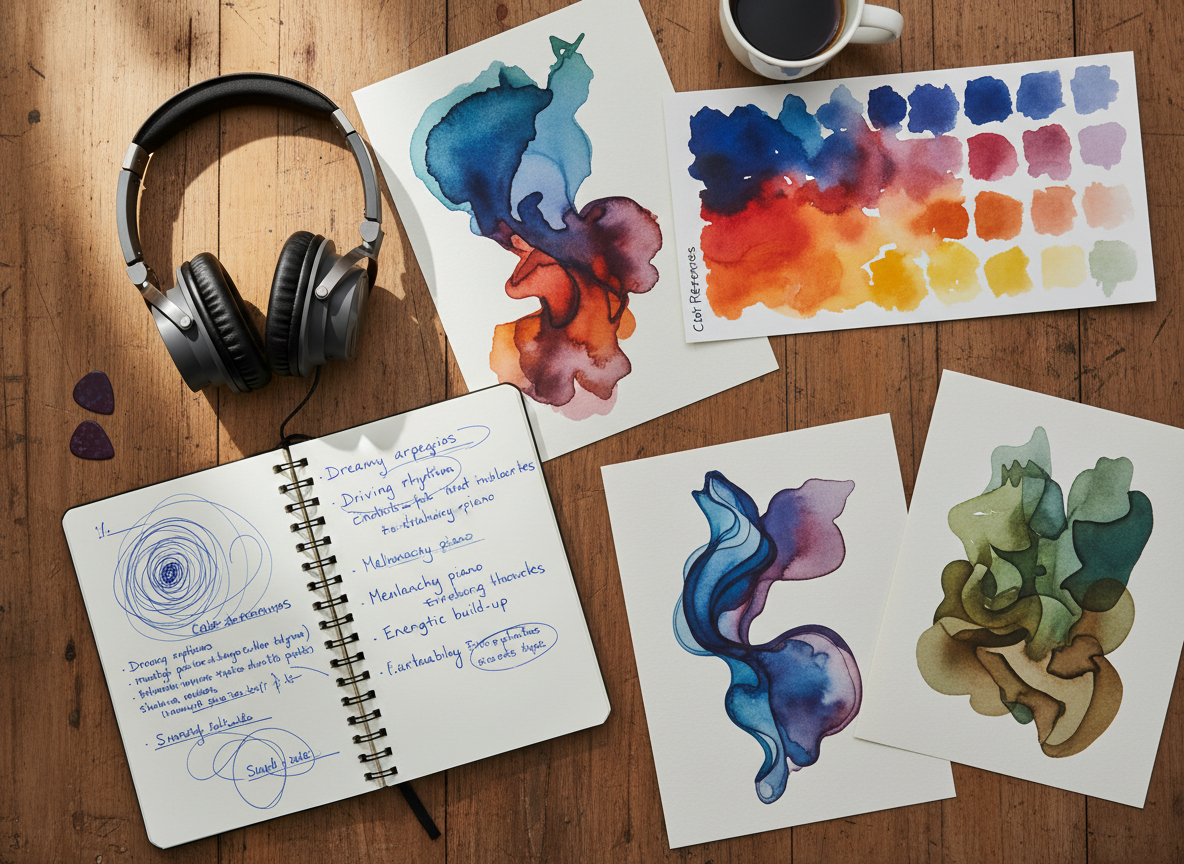
- the song or album title
- artist or creator name
- genre
- emotional mood
- a few colors
- visual setting or subject
- whether a real person should appear
- whether the design should feel minimal, cinematic, warm, energetic, vintage, polished, dramatic, playful, or another direction
The goal is not to fill the prompt with design jargon. Give ShiMuv enough information to understand what the listener should feel when they see the cover.
Example creative brief
Song title: After the Rain Genre: contemporary gospel / soul Mood: hopeful, reflective, victorious Colors: deep blue, soft gold, warm sunrise light Visual direction: a real singer outdoors after a storm, subtle wet pavement reflections, clouds opening to sunlight, premium photographic album-cover composition
1. Open ShiMuv and Describe the Cover You Want
Open ShiMuv Creation Companion and describe the artwork naturally.
You can name the type of artwork directly. ShiMuv’s current artwork workflow recognizes song covers, single covers, album covers, music-video thumbnails, playlist covers, channel banners, film posters, social promotional artwork, and custom artwork.
For a normal song or album cover, ShiMuv uses a square visual format by default unless you explicitly request another supported size or aspect ratio.
Starter prompt
Create a square album cover for my song “After the Rain.” It is contemporary gospel and soul with a hopeful, reflective, victorious mood. Use deep blue, soft gold, and warm sunrise light. Show a real singer outdoors just after a storm, with subtle wet-pavement reflections and clouds opening to sunlight. Keep the composition premium, photographic, emotionally strong, and suitable for cover artwork.
2. Review the First Direction Before Changing Everything
Treat the first image as a creative direction, not something you have to accept immediately.
Look at the overall feeling first:
- Does the image match the emotion of the song?
- Does it still read clearly when viewed small?
- Is the main subject easy to understand?
- Are the colors connected to the music?
- Is there enough clean visual space if you later want title treatment?
- Does the image feel specific to your release rather than like generic artwork?
If the concept is right but one detail is wrong, refine that detail instead of starting over.
3. Ask for a Variation When the Direction Is Close
ShiMuv’s artwork workflow supports creating alternate versions and variations of artwork from the active Companion session.
For example:
Create another variation of this cover. Keep the same singer, mood, deep-blue and gold palette, and post-storm setting, but move the subject slightly farther back and give the sunrise more presence behind the clouds.
Or:
Make the same cover feel more intimate and minimal. Keep the person and lighting direction, but simplify the background and leave more negative space around the subject.
Changing one or two variables at a time makes it easier to understand which version actually fits the song.
4. Use Your Own Reference Material When It Matters
If your identity is central to the release, use creator-owned imagery or other references you have the right to use.
A reference can help establish the person, wardrobe direction, product, environment, color language, or other details that need to remain connected to you.
Avoid uploading artwork, logos, celebrity images, photography, or other material that you do not have permission to use.
5. Tell ShiMuv Which Song Should Receive the Cover
Once you have the artwork you want, identify the creator-owned song, single, or album that should receive it.
A direct instruction can be as simple as:
Apply this cover to my song “After the Rain.”
ShiMuv’s production artwork flow resolves the target creation and applies the selected artwork without re-encoding the underlying song. If more than one creator-owned creation has the same title, ShiMuv can require you to identify the correct one instead of guessing.
Build One Visual World Around the Release
The cover can become the visual starting point for more than one asset.
Once you establish the release’s colors, lighting, subject, and visual mood, you can carry that direction into other creator work such as a music-video thumbnail, social promotional art, a channel image, or visual concepts for a music video.
Consistency does not mean every image needs to be identical. It means the listener can recognize that the assets belong to the same release world.
A Simple Cover-Art Checklist
Before applying the final artwork, review it one more time:
- The mood matches the song.
- The subject is recognizable at a glance.
- The image does not depend on tiny details to work.
- Any requested text is spelled correctly.
- No accidental logos, watermarks, or unwanted text appear.
- The artwork does not imitate a living artist’s identity or another release too closely.
- Any uploaded reference material is yours or properly licensed.
- You have selected the correct creator-owned song or album before applying the artwork.
Try This in ShiMuv
Copy this prompt and replace the bracketed details with your own release information:
Create a square cover for my [song / single / album] called “[TITLE].”
The music is [GENRE] with a [MOOD] feeling.
Use [COLORS].
The visual should show [SUBJECT / SETTING / IDEA].
Make it feel [VISUAL DIRECTION].
Keep the composition clear, premium, and connected to the emotion of the music.
Then continue naturally in Creation Companion. Ask for another variation, change only the details you want adjusted, or tell ShiMuv which creator-owned song or album should receive the finished artwork.
CTA: Open ShiMuv Creation Companion — https://shimuv.com/
TRY THIS IN SHIMUV
Turn your song direction into album cover art
Use this article as your starting point. Open the prompt and reference image in ShiMuv, then review or customize the request before generation.
Create original album or single cover art for my song. Use my title, genre, mood, color direction, and visual concept to develop artwork that feels connected to the music. Keep the composition strong at thumbnail size and avoid copying another artist's protected artwork.Opens with this prompt and reference image ready to review. Nothing generates or spends credits until you confirm.