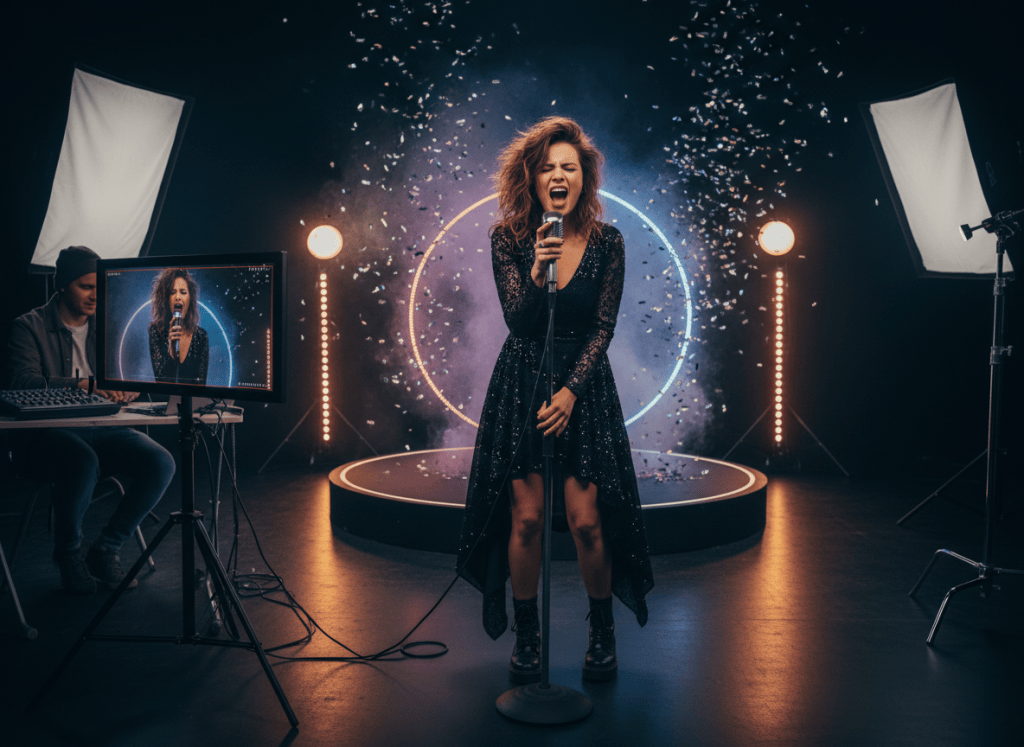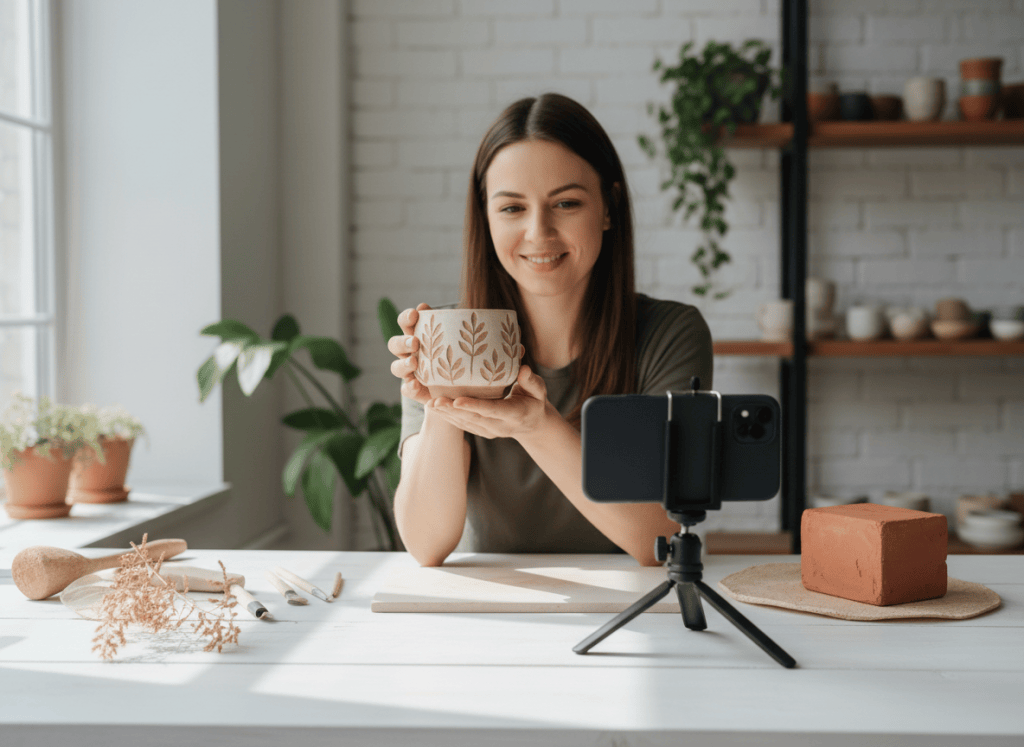
UGC AD WORKFLOW
Make the product easy to understand before you make the ad
A convincing creator-style ad starts with accurate product information, one audience, one primary benefit, and a simple visual story. Keep the product recognizable and the spoken claims grounded in what you can actually support.
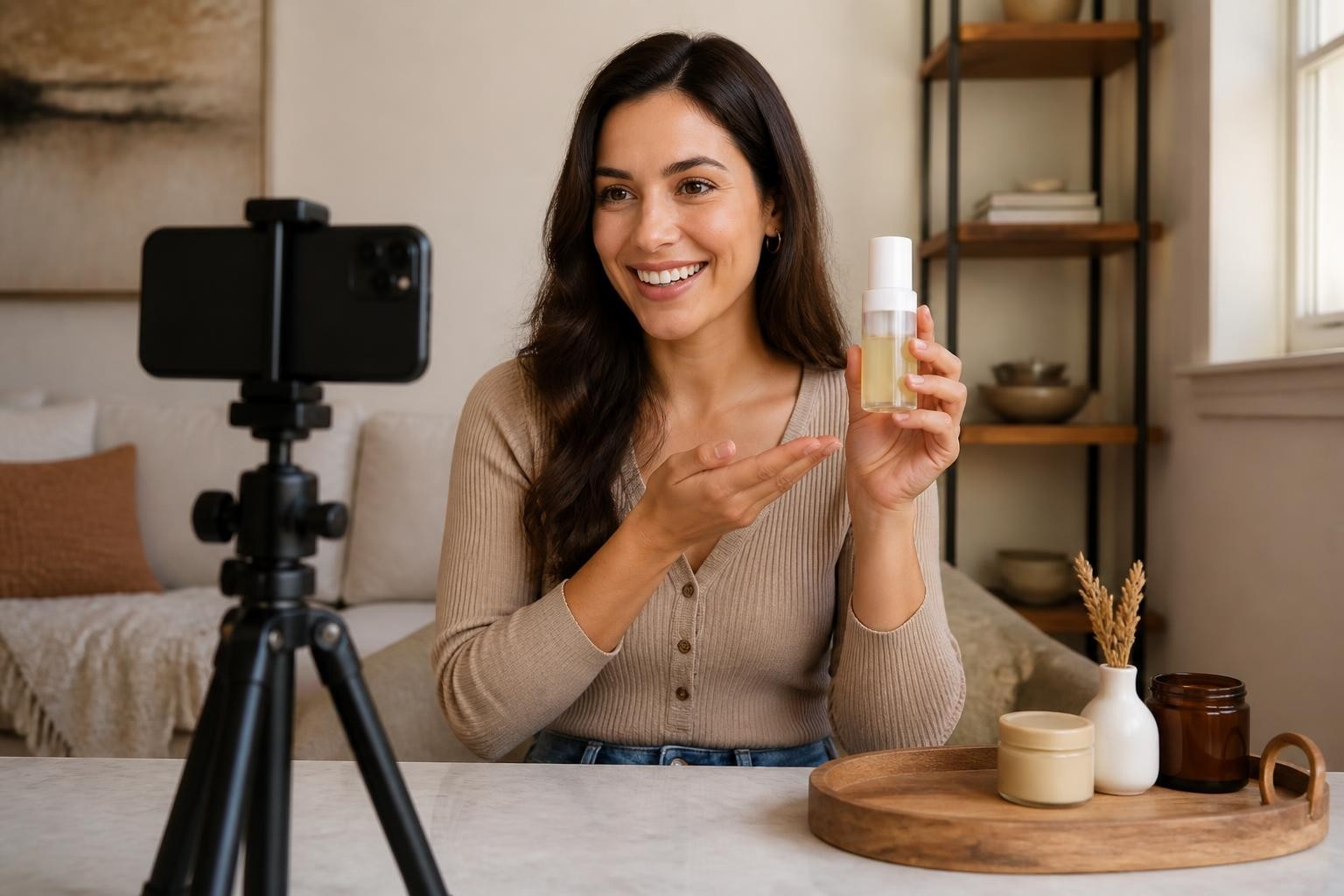
A strong product ad does not always need to look like a polished commercial. On TikTok, Reels, Shorts, and paid social, creator-style videos can work because they feel direct: a person introduces the product, shows it clearly, explains why it matters, and gives the viewer one simple next step.
Start With One Product Story
Before creating the ad, decide what the viewer should understand after a few seconds. Prepare a strong primary product image, useful alternate angles, the real product name, the audience, one supported benefit, and one call to action.
Avoid trying to fit every feature into a short video. A focused ad is easier to follow and easier to review for accuracy.
Build the Ad in Three Beats
1. Hook
Open with the problem, desire, or situation that makes the product relevant. The hook should sound like something a real creator would say, not a list of marketing claims.
2. Demonstration
Show the actual product from useful angles. Let the visual explain scale, use, texture, fit, or another important characteristic. If the product is handheld, keep the size believable. If it belongs in a kitchen, office, vanity, gym, or another specific environment, choose a setting that makes sense for the product.
3. Creator Close
Finish with one clear takeaway and one next step. The closing creator should reinforce the central benefit without adding a new set of claims at the end.
Keep Claims Accurate
The article, prompt, and final ad should all be grounded in the information you supplied. If the product page does not support a claim, do not invent it. If an image is not an authorized representation of the real product, do not use it as though it were.
This is especially important for health, beauty, food, financial, and performance-related products where exaggerated claims can create real problems.
Keep the Product Visually Consistent
If you provide several product images, make sure they represent the same packaging, color, variant, and general proportions. Mixing old and new packaging or unrelated lifestyle images can make a short ad feel inconsistent.
Use the product as the visual anchor. Backgrounds, props, creator wardrobe, and camera movement should support the item rather than compete with it.
Make the Creator Feel Believable
A useful UGC-style script usually has one audience, one problem, one primary benefit, one speaking perspective, one visual story, and one call to action.
Read the copy aloud before generation. If it sounds like product-page bullet points, rewrite it into spoken language.
Use ShiMuv to Continue the Workflow
You can start from this article in ShiMuv Creation Companion, or open the UGC Ad Director when you already have the product material and direction ready.
Use creator-owned or authorized imagery, review the planned message before generation, and confirm the product, spoken claims, and final call to action before publishing.
Before You Publish
Watch the finished video once with sound and once muted. With sound on, check the naturalness of the speaking creator, accuracy of the claims, clarity of the hook, and strength of the call to action. Muted, confirm that the product is still easy to identify and the visual story makes sense.
If the ad becomes harder to understand as more information is added, simplify it.
TRY THIS IN SHIMUV
Create a talking UGC-style product ad
Use this article as your starting point. Open the prompt and reference image in ShiMuv, then review or customize the request before generation.
Create a short talking UGC-style product ad from my authorized product image and product details. Use a natural creator-led testimonial style, show the real product clearly, avoid invented claims, and build a concise hook, product demonstration, benefit statement, and call to action.Opens with this prompt and reference image ready to review. Nothing generates or spends credits until you confirm.