IMAGE-TO-VIDEO WORKFLOW
Preserve the photograph, then add purposeful motion
Choose one believable subject action, one useful camera move, and the atmosphere you want while keeping identity, wardrobe, and the original scene recognizable.
A good photograph already contains a story. The subject, lighting, expression, wardrobe, background, and framing are there. What a still image does not contain is movement.
That is where image-to-video creation becomes useful.
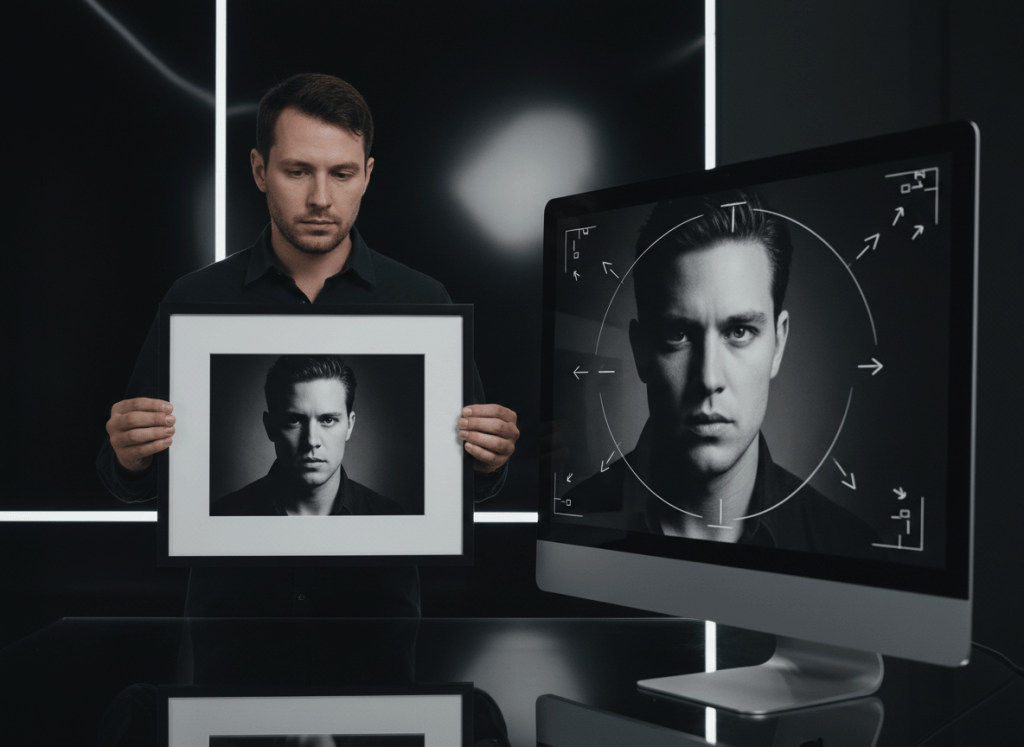
Instead of asking an AI system to invent an entire scene from scratch, you can begin with a photograph you already like and direct what should happen next: a slow camera push, wind moving through clothing or hair, a person turning toward the lens, lights shifting in the background, or a subtle change in expression.
The important part is not adding as much motion as possible. It is choosing motion that makes sense for the photograph.
Start With a Photo Worth Preserving
Image-to-video works best when the source image already gives the scene a clear visual anchor.
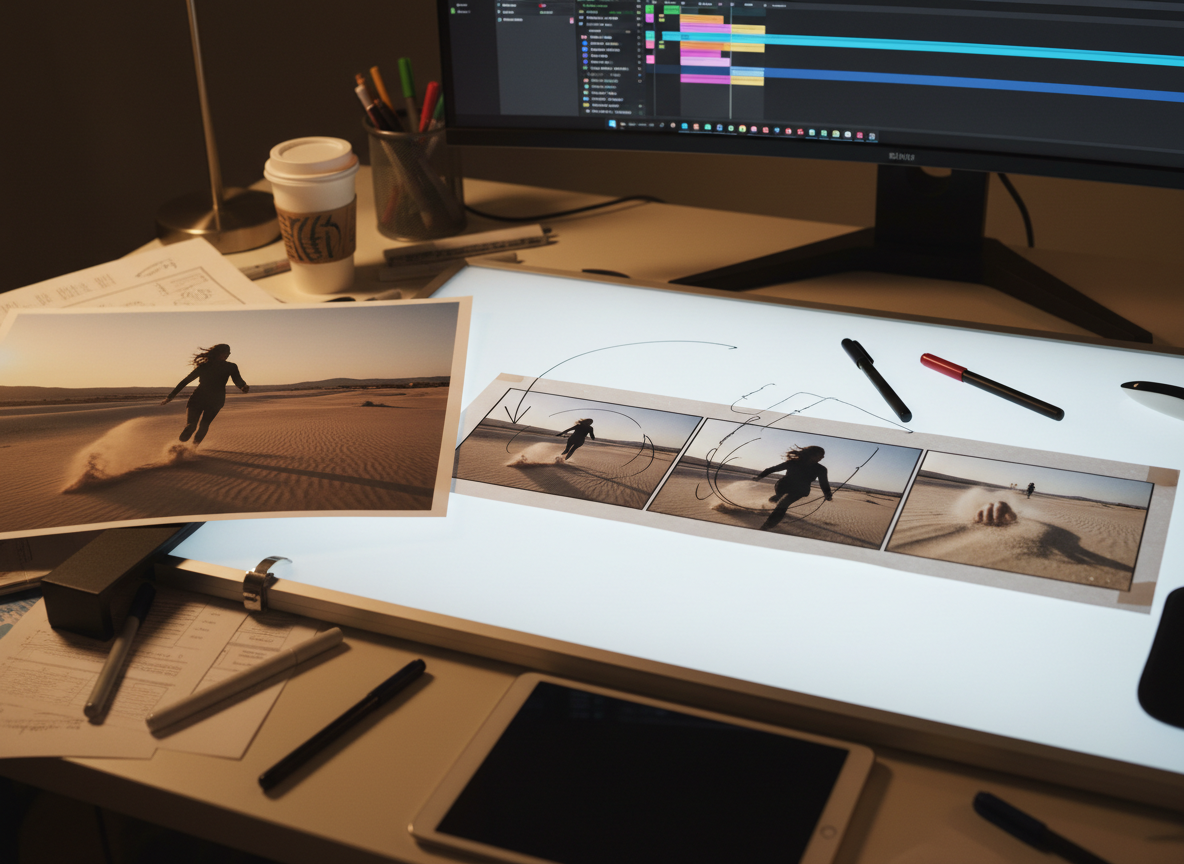
Choose a creator-owned image with:
- a recognizable main subject,
- clean enough detail to understand the face, object, or scene,
- lighting that supports the mood you want,
- enough space around the subject for believable movement, and
- a composition you would be happy to see as the opening frame of the finished video.
A portrait can become a cinematic character moment. A fashion photograph can become a short movement shot. A product image can become a promotional visual. Artwork can become a moving scene. A food photograph can gain subtle camera movement for a recipe or social post.
But the motion should serve what is already in the image.
Decide What Should Move
Before generating anything, describe the motion in plain language.
Think in three layers:
1. Subject movement
What should the person or object actually do?
Examples:
- turn slowly toward the camera,
- walk forward naturally,
- look out the window and then back toward the lens,
- let fabric move gently in the wind,
- lift the product slightly and present it,
- allow steam to rise naturally from the food.
2. Camera movement
Then decide how the viewer should experience the scene.
Useful directions include:
- slow push-in,
- gentle pull-back,
- subtle handheld movement,
- smooth side tracking,
- low-angle reveal,
- gradual orbit around the subject.
For many still photographs, restrained camera movement looks more believable than aggressive motion.
3. Atmosphere
Finally, describe the feeling of the shot.
You might ask for warm late-afternoon light, a quiet cinematic mood, lively commercial energy, soft romantic movement, dramatic shadows, or a polished fashion-film feel.
Together, these three decisions give the system much more useful direction than simply saying, “Make this picture move.”
A Prompt You Can Adapt
Use my attached image as the visual reference and opening anchor.
Create a short cinematic video that preserves the recognizable subject and overall look of the original photo.

Subject movement: [describe the natural action].
Camera movement: [describe the camera move].
Atmosphere: [describe the mood, lighting, and energy].

Keep the movement coherent and believable. Do not replace the subject with a different person or unrelated scene. Preserve the important visual details from my reference image unless I specifically request a change.
For example:
Use my attached portrait as the opening visual anchor. Have the woman slowly turn toward the camera as a light breeze moves her hair and jacket. Use a gentle cinematic push-in with warm evening light and natural facial movement. Preserve her recognizable appearance, clothing colors, and the original city setting.Create It in ShiMuv
ShiMuv Creation Companion currently supports reference-based cinematic video creation from attached images.
The production workflow uses the supplied image as a visual reference and opening anchor, with instructions designed to preserve recognizable appearance and important visual details while following the creator’s requested motion and scene direction.
A practical workflow is:
Step 1 — Attach your image
Use an image you own or have permission to use. The current Creation Companion video workflow accepts common image references and requires at least one photo for a normal reference-based creation.
Step 2 — Describe the video you want
Tell Creation Companion what should move, how the camera should behave, and what mood you want. You do not need to name a provider or model for a normal creator request.
Step 3 — Choose the framing that fits the destination
The production video workflow supports common framing choices including 16:9, 9:16, and 1:1.
Use 9:16 when the primary destination is vertical short-form viewing. Use 16:9 for widescreen presentation. Use 1:1 when a square composition genuinely suits the content.
Step 4 — Review the motion, not just the image quality
When the result is ready, look at more than sharpness.
Ask:
- Does the subject still look recognizable?
- Does the movement feel physically believable?
- Did clothing, products, or important visual details stay coherent?
- Does the camera move support the scene instead of distracting from it?
- Did the video preserve the intent of the original image?
If the answer is no, refine the direction rather than merely adding more descriptive words.
Keep Identity and Important Details Explicit
If the subject’s identity matters, say so.
If wardrobe matters, describe what must remain unchanged. If the object is a real product, state which details need to stay recognizable. If the location is important, tell the system not to replace it with an unrelated environment.
ShiMuv’s current production video direction specifically includes reference handling intended to preserve recognizable identity and appearance from the primary image and to retain clothing colors, silhouettes, patterns, and styling cues when those references matter.
Clear creator direction still matters. AI should not be asked to guess which visual details are essential to you.
Do Not Over-Direct a Simple Shot
One of the easiest ways to weaken an image-to-video result is to ask for too many things at once.
A five-to-eight-second cinematic moment does not need six camera moves, three location changes, a costume transformation, an explosion, dialogue, and a dramatic ending.
For a single still image, one strong action plus one strong camera idea is often enough.
For example:
Better: “She looks toward the camera while the camera slowly pushes in and city lights glow behind her.”
Too crowded: “She turns, runs, changes outfits, enters a car, drives downtown, gets out, dances, and the camera circles her.”
If your idea requires a full sequence rather than one moment, plan multiple scenes instead of forcing every beat into one clip.
Use the Finished Clip as a Building Block
A short image-to-video clip can become part of something larger:
- a social post,
- a music-video scene,
- a product campaign,
- a film concept,
- an announcement,
- a visualizer,
- a creator reel,
- or a sequence assembled with other shots.
That is the more useful way to think about image-to-video: not as a novelty that makes a picture wiggle, but as a way to turn a strong still frame into usable motion.
Create From Your Image With ShiMuv
Start with the photograph you already like. Tell ShiMuv what should move, what must stay recognizable, how the camera should behave, and what the finished moment should feel like.
CTA: Open ShiMuv Creation Companion → attach your image → describe the cinematic motion you want.
TRY THIS IN SHIMUV
Turn one reference photo into a cinematic moving shot
Use this article as your starting point. Open the prompt and reference image in ShiMuv, then review or customize the request before generation.
Animate my reference photo into a short cinematic video while preserving the subject, clothing, environment, and important visual details. Use purposeful camera movement and believable motion. Do not change the subject's identity or redesign the scene unless I ask for it.Opens with this prompt and reference image ready to review. Nothing generates or spends credits until you confirm.