
PRODUCT EXPLAINER WORKFLOW
Give every product photo a job
A strong explainer is not a slideshow of images. Organize the photos around what the product is, why it matters, how it works, and what the viewer should do next.
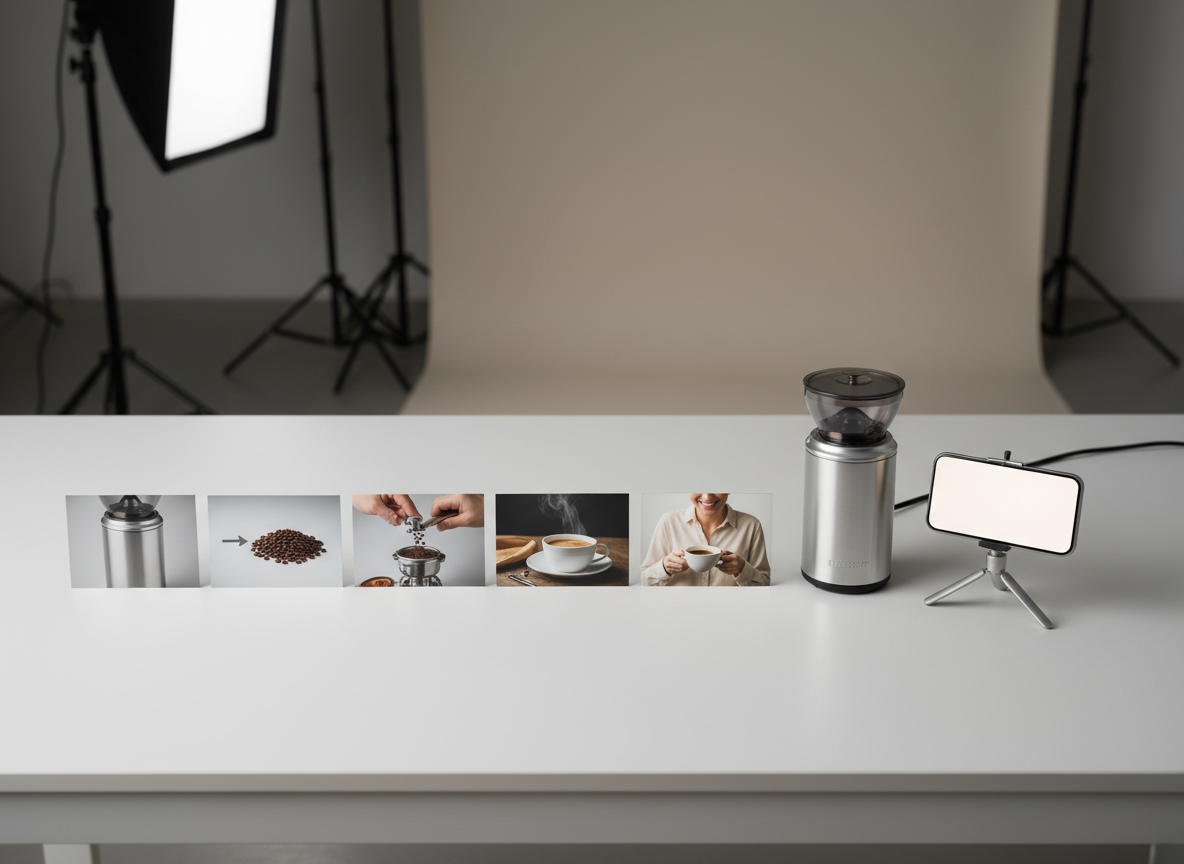
Product photos become much more useful when they are organized into a clear explanation rather than shown in random order.
Start With the Viewer Question
Ask what a new customer would need to understand first. That may be what the product does, how large it is, how it is used, what problem it solves, or what makes one feature important.
Choose the most useful question and build the explainer around it.
Assign a Purpose to Each Photo
A practical set may include:
- hero image for immediate recognition
- close detail for material or feature
- alternate angle for shape or scale
- in-use image for context
- packaging or included items
- final product image for the call to action
If two photos communicate the same thing, you may not need both.
Build a Simple Explainer Sequence
Start with the product and viewer problem. Move into the benefit, then show the relevant feature or use. Finish with proof or context and one clear next step.
Keep the sequence visually consistent. The product should not change color, packaging, scale, or variant between shots.
Avoid Unsupported Claims
Use only product facts you can support. Do not infer medical, financial, performance, durability, or other claims simply because the visuals make them seem plausible.
The explainer should make the product easier to understand, not more exaggerated.
Use ShiMuv for the Production Step
Open the Try This module below to send the article’s product-explainer direction into Creation Companion with the reference image. If you already have the complete product photo set, use those authorized images as the source for the video workflow.
Review the planned message before generation and keep the final video tied to the real product.
Check the Final Video
Watch once for information and once for visual consistency. Confirm that the viewer can identify the product quickly, understand the main benefit, see the relevant feature, and know the next step without reading a wall of text.
TRY THIS IN SHIMUV
Turn product photos into a clear explainer video
Use this article as your starting point. Open the prompt and reference image in ShiMuv, then review or customize the request before generation.
Create a concise product explainer video from my authorized product photos and product details. Keep the actual product recognizable, organize the visuals into a clear problem-benefit-demonstration sequence, avoid unsupported claims, and end with a simple call to action.Opens with this prompt and reference image ready to review. Nothing generates or spends credits until you confirm.