Creators rarely struggle because they lack ideas. The harder problem is turning an idea into a finished piece of content without losing time moving between disconnected tools, rebuilding assets, or repeating the same instructions across multiple apps.
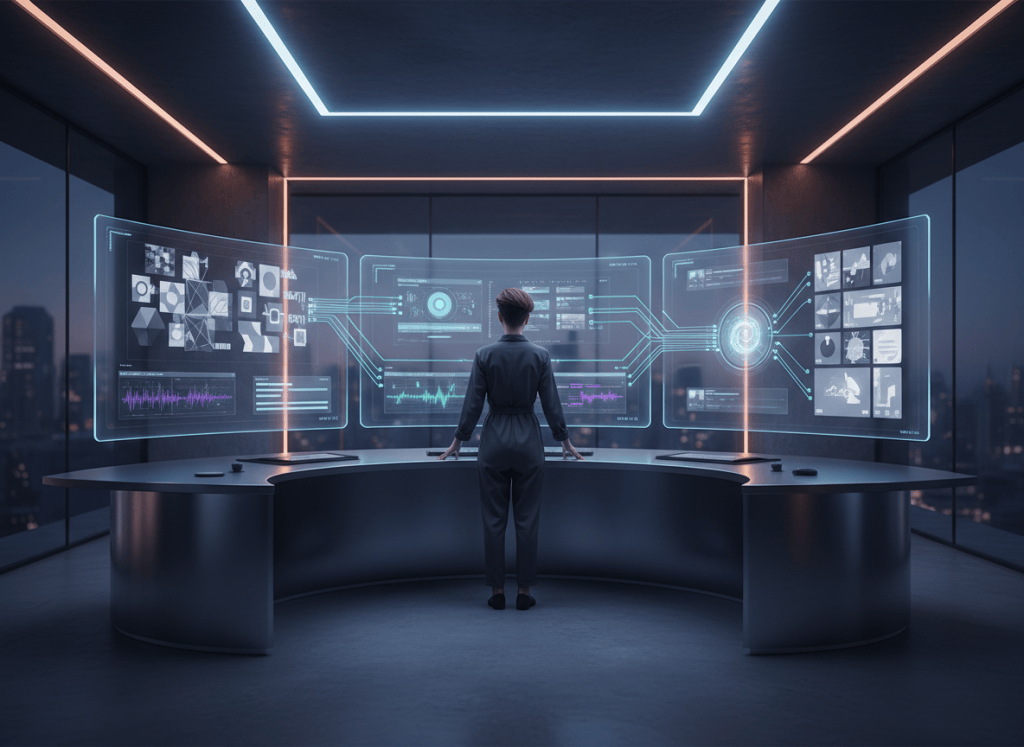
AI-assisted creative workflows are changing that process. Instead of treating image generation, video editing, music, design, and publishing as separate jobs, creators can increasingly describe the outcome they want and use one connected workflow to move from concept to finished media.
THE CONNECTED WORKFLOW
One outcome, one creative thread
Begin with what you want to make, keep the source materials together, and move from generation to editing without rebuilding the project in disconnected tools.
1. Describe
State the finished creative outcome.
2. Create
Use the right generation or direct-edit path.
3. Refine
Keep adjusting the same editable project.
Start With the Creative Outcome, Not the Software
A traditional workflow often starts with a question like “Which app should I open?” A more useful AI-first workflow starts with “What am I trying to make?”
- Create a vertical promotional video from a product image.
- Turn an existing visual into a short animated scene.
- Rework a design for a different social-media format.
- Edit text, images, or scene placement without rebuilding the project.
- Create supporting visuals for a music release or marketing campaign.
PRACTICAL EXAMPLE
From One Product Photo to a Small Content Campaign
- Start with one strong product photo. Keep the original product recognizable and preserve an editable source.
- Create a vertical promotional visual. Reframe the composition for a 9:16 layout and add only the text or design elements the campaign needs.
- Turn the visual into a short video. Add motion or generated scenes only when movement genuinely improves the idea.
- Adapt the finished piece. Create square, landscape, or alternate social versions from the same campaign instead of rebuilding from scratch.
Direct edit or new generation?
If the request is “move the title higher,” “make the text larger,” or “crop this vertically,” a direct edit is usually the more efficient path. If the request changes the underlying scene—such as creating a new setting, adding a new subject, or generating motion that does not exist—generation may be appropriate. Many real projects use both approaches in sequence.
This is the direction behind ShiMuv: giving creators a connected environment for creation rather than forcing them to think in terms of individual providers or technical implementation details.
Natural-Language Creation Can Reduce Unnecessary Manual Work
Some creative changes do not require a brand-new AI generation. If a creator wants to move a title higher, resize text, rearrange a scene, or adjust an existing project, the fastest path is often a direct edit rather than generating the entire asset again.
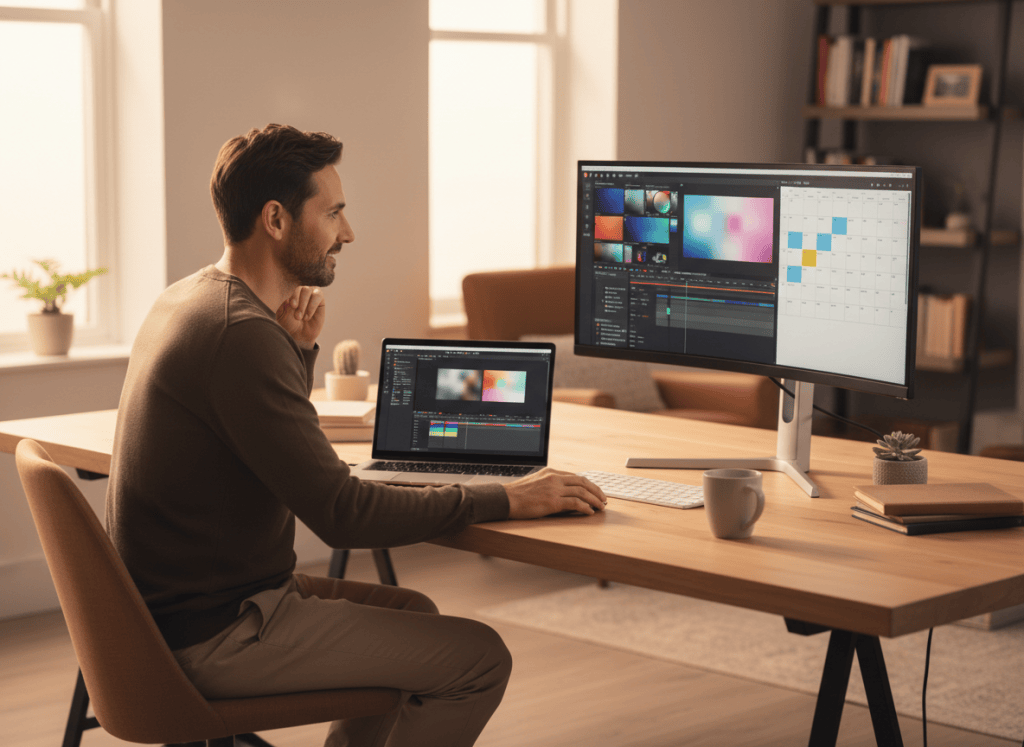
ShiMuv’s Creation Companion is designed around that distinction. The creator can describe the intended result in natural language, while the system determines whether the request belongs to a direct editing workflow, a generative workflow, or a combination of both. The goal is simple: make the creator’s request the starting point instead of making the creator manually choose the technical route. This behavior is part of the platform’s Creation Companion orchestration and routing architecture.
Editing Should Remain Part of the Same Creative Process
Generating an asset is only one step. Creators still need to refine timing, layout, media placement, effects, and presentation. ShiMuv’s Edit Hub provides a dedicated editing surface so visual content can continue through an editable workflow rather than stopping at the first generated result.
That matters for creators producing multiple versions of the same campaign. A wide video may need a vertical version. A promotional image may need different text placement. A music release may need a visualizer, short-form clip, or additional promotional creative. Keeping those tasks connected reduces the number of times a creator has to export, re-upload, and rebuild work elsewhere.
Visuals Can Strengthen Music and Creator Marketing
For musicians and creators, audio is often only the beginning of the content cycle. A single release can support music videos, lyric videos, visualizers, social clips, promotional graphics, and other campaign assets. ShiMuv’s existing creator workflows connect music and visual creation so creators can build more supporting media around a release.

The same principle applies beyond music. Businesses, influencers, independent creators, and creative teams can reuse a core idea across multiple content formats rather than treating every output as an unrelated project.
A Better AI Workflow Is One That Stays Out of the Creator’s Way
The most useful creative technology is not necessarily the one with the longest feature list. It is the one that helps the creator reach a finished result with fewer unnecessary decisions.
That means preserving editable projects, recognizing when a request can be handled directly, using generation when it is actually needed, and allowing creators to continue refining their work after the first result appears.
Idea → Finished Content
If you are exploring faster ways to create video, visual content, music-related media, and marketing assets, visit ShiMuv and explore the platform’s connected creator tools.
TRY THIS IN SHIMUV
Build a connected creator workflow
Use this real article as a starting point. Open the editable prompt and finished example image in ShiMuv, then review or customize everything before generation.
Create a short creator-workflow video using this finished example image as the visual reference. Start with the original idea or product. Show hands beginning the creative process. Move through one meaningful creation step. Show the result taking shape across formats. End on the finished result beside the original anchor.Opens with this prompt and finished example image ready to review. Nothing generates or spends credits until you confirm.