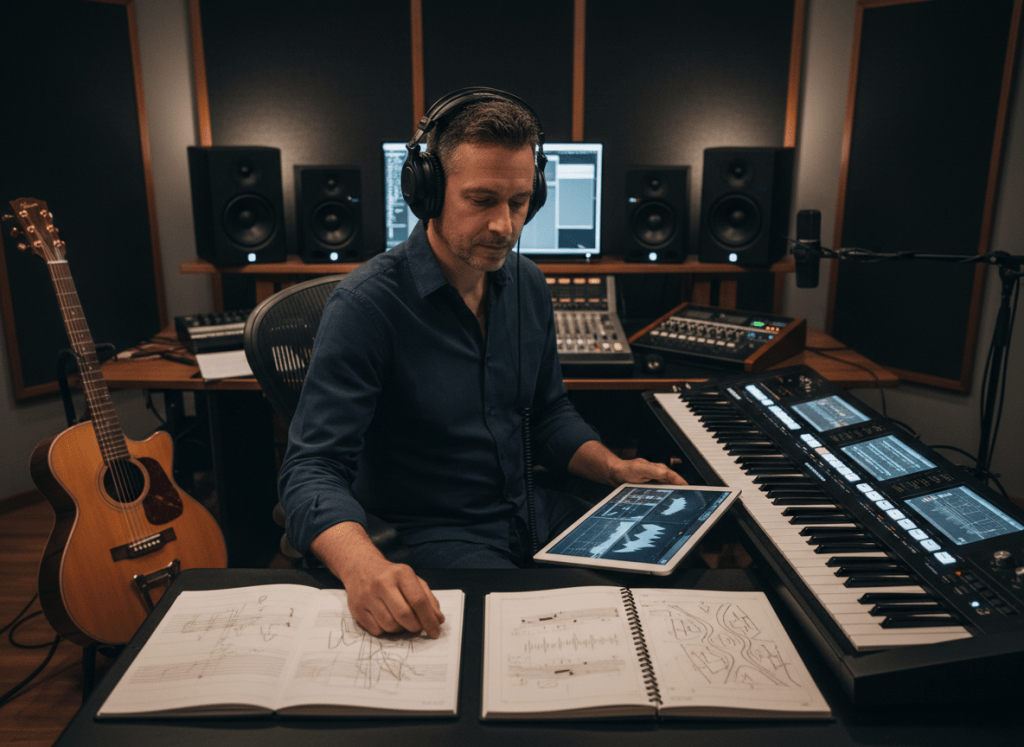
LYRICS-TO-SONG WORKFLOW
Protect the words, then build the music around them
Structure the lyric, define the listener experience, and use production choices to support the meaning instead of letting the first generation rewrite the song for you.
Writing the words is often the most personal part of making a song.
The harder part comes next: What should the music sound like? Where should the chorus lift? What instruments belong behind the words? What kind of voice fits the message?
You do not need to play every instrument to answer those questions. You do need to give the music a clear direction.
ShiMuv Music Creator lets a creator start with existing lyrics, choose genre, mood, instruments, vocal direction, energy, and other musical preferences, then generate a full track. If the lyrics are unfinished, Music Creator also includes lyric-generation assistance, so the workflow can begin from either a complete lyric or an idea that still needs writing.
This guide focuses on the lyrics-first path: bring your words, shape the musical brief, generate, listen, revise, and keep the version that actually serves the song.
Start by Structuring the Lyrics

A page of good writing is not automatically a song arrangement.
Before generating music, divide the lyric into the sections you actually want the listener to experience.
A simple structure might be:
[Verse 1]
Set up the story or idea.

[Chorus]
State the central emotional or memorable line.

[Verse 2]
Develop the story or add a new angle.

[Chorus]
Return to the central idea.

[Bridge]
Change the perspective, energy, or emotional tension.

[Final Chorus]
Bring the main idea back with the strongest payoff.
You do not have to use that exact pattern. Gospel, rap, R&B, pop, country, worship, cinematic music, and experimental songs can all use different forms. The important point is to tell the production where the song changes.
Read the lyrics aloud
Before turning them into music, read them naturally.
Listen for:
- lines that are too long to sing comfortably
- phrases that repeat without adding meaning
- a chorus that does not feel different enough from the verse
- words that look good on paper but sound awkward aloud
- the one line that feels like the emotional center of the song
That last line often tells you what the chorus should emphasize.
Decide What the Song Should Feel Like
Do not begin by trying to name every production technique.
Start with the listener experience.
Ask:
- Should this feel intimate or huge?
- Should the beat move slowly or push forward?
- Should the vocal sound soft, raw, powerful, conversational, or celebratory?
- Is the production acoustic, electronic, orchestral, band-driven, choir-driven, or minimal?
- What should happen when the chorus arrives?
A usable brief is more valuable than a pile of genre words.
For example:
Warm contemporary gospel with a restrained first verse, piano and soft pads underneath the lead vocal, fuller drums entering before the chorus, and a large choir lift in the final chorus. Emotional and hopeful rather than theatrical.
That describes an experience, not just a label.
Use ShiMuv Music Creator for the Production Direction
The current ShiMuv Music Creator workflow supports creator-selected musical controls including mood, genre, instruments, vocal types, energy, duration, custom instructions, instrumental mode, vocal direction, and custom lyrics.
It can also generate lyrics when the words are not finished yet, while the lyrics-first workflow can keep the creator’s own text as the foundation.
Open Music Creator at:
https://shimuv.com/music-creator
A practical lyrics-first workflow
- Paste or enter your lyrics. Keep the section breaks clear.
- Choose the genre direction. Pick what genuinely belongs to the song rather than stacking unrelated styles.
- Choose the mood. Think about emotional tone rather than just tempo.
- Select instruments intentionally. Add instruments because they support the song, not because more choices automatically mean richer production.
- Set the vocal direction. Choose a vocal character that fits the writing.
- Add custom production instructions. Explain what should build, pull back, or change across the arrangement.
- Generate and listen all the way through. Do not judge only the opening seconds.
- Revise the brief or lyric where needed. Treat the first result as a production draft, not a commandment.
Do Not Overload the First Generation
It is tempting to request everything at once:
gospel + trap + orchestral + jazz + rock + choir + strings + brass + huge drums + intimate acoustic guitar + cinematic synths
That may communicate less clearly than a focused direction.
Instead, identify three layers:
Foundation — the main genre or production world.
Emotion — how the listener should feel.
Signature detail — the one production element that makes this version distinctive.
Example:
Foundation: contemporary R&B ballad
Emotion: reflective, vulnerable, hopeful by the final chorus
Signature detail: a restrained gospel choir enters only in the last section
That gives the production room to make coherent choices.
Copy This Lyrics-to-Song Brief
Turn these lyrics into a complete song.

Genre / production direction: [genre or blend]
Mood: [emotional tone]
Tempo feel: [slow / midtempo / upbeat / driving]
Lead vocal: [soft / soulful / raw / powerful / conversational / other]
Core instruments: [2-5 important instruments]

Arrangement direction:
- Verse 1: [how it should begin]
- Chorus: [how it should lift or change]
- Verse 2: [what should develop]
- Bridge: [how the song should contrast]
- Final chorus: [how the ending should feel]

Important instruction:
Preserve the meaning and wording of my lyrics. Let the production support the emotional arc rather than overpowering the words.
Example
Turn these lyrics into a full contemporary gospel song.

Mood: grateful, intimate, then triumphant
Tempo feel: midtempo
Lead vocal: warm and soulful, emotionally controlled in the verses
Core instruments: piano, warm bass, restrained drums, organ, choir

Arrangement direction:
- Verse 1 begins with piano and lead vocal
- Chorus adds drums and organ
- Verse 2 feels fuller but still leaves room for the lyric
- Bridge pulls back briefly before rebuilding
- Final chorus opens into a strong choir without burying the lead vocal

Preserve my lyric wording and make the final chorus feel earned rather than loud from the beginning.
Listen for the Relationship Between Words and Music
A technically polished track can still be wrong for the lyric.
When reviewing a generation, ask:
- Can I understand the important words?
- Does the melody rush lines that need space?
- Does the chorus actually feel like the chorus?
- Is the production too busy under an emotional verse?
- Does the vocal delivery fit the meaning?
- Does the final section feel like a destination?
If the answer is no, do not only ask for “better quality.” Identify the relationship that is wrong.
For example:
Keep the verse more intimate and reduce the instrumentation so the lyric is easier to hear. Save the choir and heavier drums for the final chorus.
That is a useful revision because it tells the production what to change.
If You Only Have a Poem or Journal Entry
You can still use the same workflow, but first decide what should become the repeated center of the song.
A poem may move continuously from beginning to end. A song often benefits from a return point.
Look for:
- a repeated phrase
- the strongest emotional sentence
- a question the verses keep answering
- one image that summarizes the whole piece
That can become the chorus or hook while the remaining writing becomes verses and a bridge.
Do not force every sentence into the finished lyric. Turning writing into a song sometimes means preserving the meaning while giving the words a musical shape.
When to Use AI Lyric Help
If you already wrote the song, your own lyric should remain the center of the workflow.
Use lyric assistance when you genuinely need help with something specific, such as:
- completing a missing second verse
- exploring alternate chorus wording
- tightening a line that is difficult to sing
- generating ideas from a title or topic
- testing another structural direction
ShiMuv Music Creator includes lyric-generation support, but assistance should solve a writing problem rather than replace words you already care about.
Keep the Strong Version, Not Just the First Version
Music generation is most useful when it gives the writer something concrete to react to.
Once the words are audible inside a real arrangement, you may notice that a line needs fewer syllables, the chorus needs more room, or the musical style you imagined does not serve the message as well as another one.
That is not failure. That is songwriting becoming audible.
A practical process is:
write → structure → brief → generate → listen → revise → save the strongest version.
The goal is not merely to hear AI sing your words. The goal is to turn your writing into a song that feels intentional.
Try It in ShiMuv
Open ShiMuv Music Creator and begin with one lyric you already care about.
Tool route: https://shimuv.com/music-creator
For the first test, keep the production brief focused. Choose one primary genre, one emotional direction, a small group of core instruments, and one clear instruction for how the chorus should change from the verse.
Then listen to the complete result before deciding what to revise.
TRY THIS IN SHIMUV
Turn your lyrics into a complete song direction
Use this article as your starting point. Open the prompt and reference image in ShiMuv, then review or customize the request before generation.
Turn my original lyrics into a complete song. Preserve my words and central meaning, help choose a genre, mood, tempo, vocal direction, and arrangement, and structure the lyrics into a musically coherent track. Ask before materially rewriting my lyrics.Opens with this prompt and reference image ready to review. Nothing generates or spends credits until you confirm.