MUSIC VIDEO WORKFLOW
Let the song structure drive the scenes
Use the finished track, performer references, lyrics, recurring locations, and visual motifs to plan one connected video instead of a collection of unrelated clips.
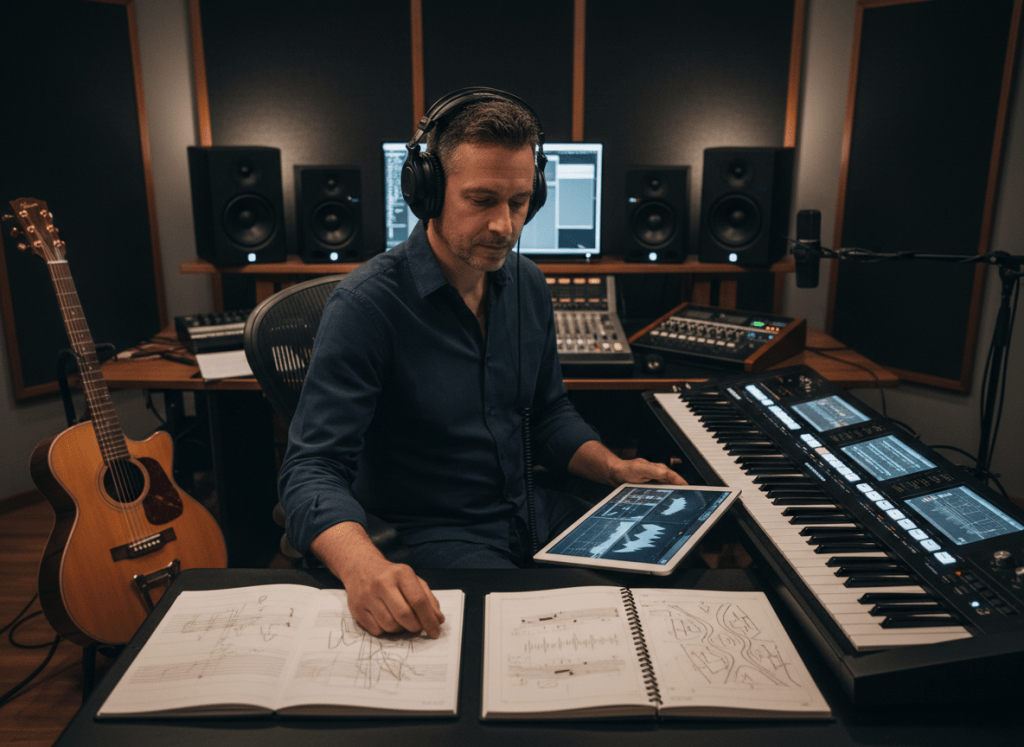
A finished song already contains most of the information a music video needs: rhythm, emotion, vocal delivery, sections, rises, pauses, and a beginning and ending.
The creative challenge is turning those musical moments into scenes that feel connected instead of assembling a collection of unrelated AI clips.
ShiMuv Music Video Studio is built around the song first. You can select an eligible song or recording already in ShiMuv or upload your own audio, add performer references, provide or refine lyrics, describe the visual world, and let the studio plan the song across multiple video scenes.
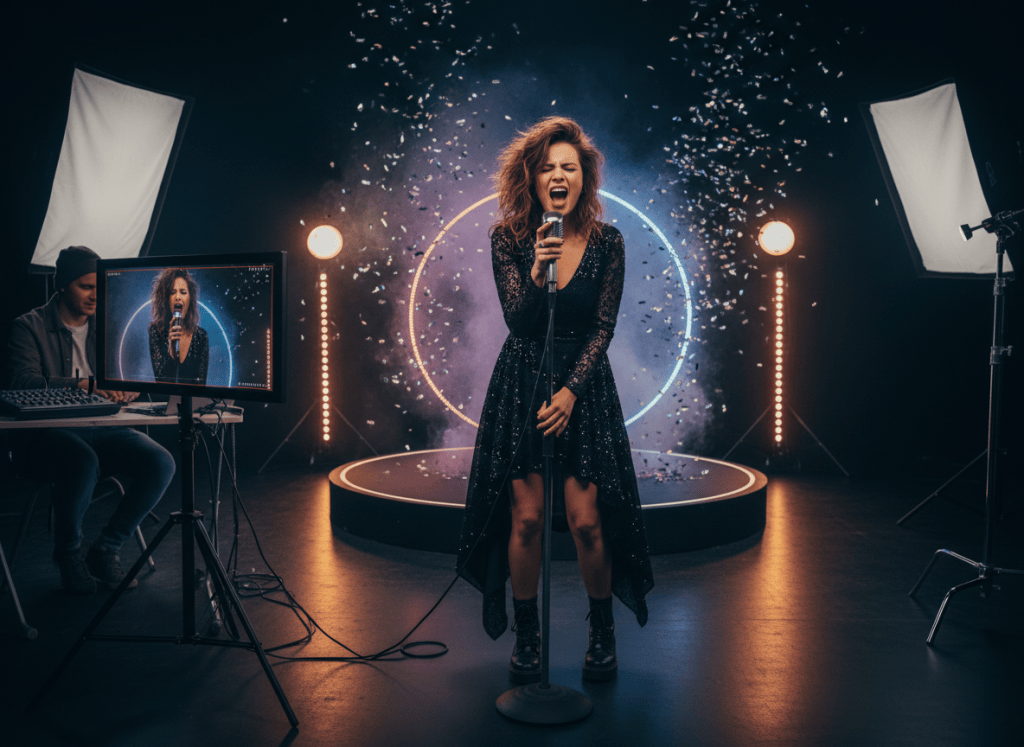
For visible singing moments, the workflow includes a lip-sync stage so the lead performance can follow the vocals rather than simply placing music underneath silent footage.
Start With a Clear Visual Idea
Before generating anything, decide what kind of world the song belongs in.
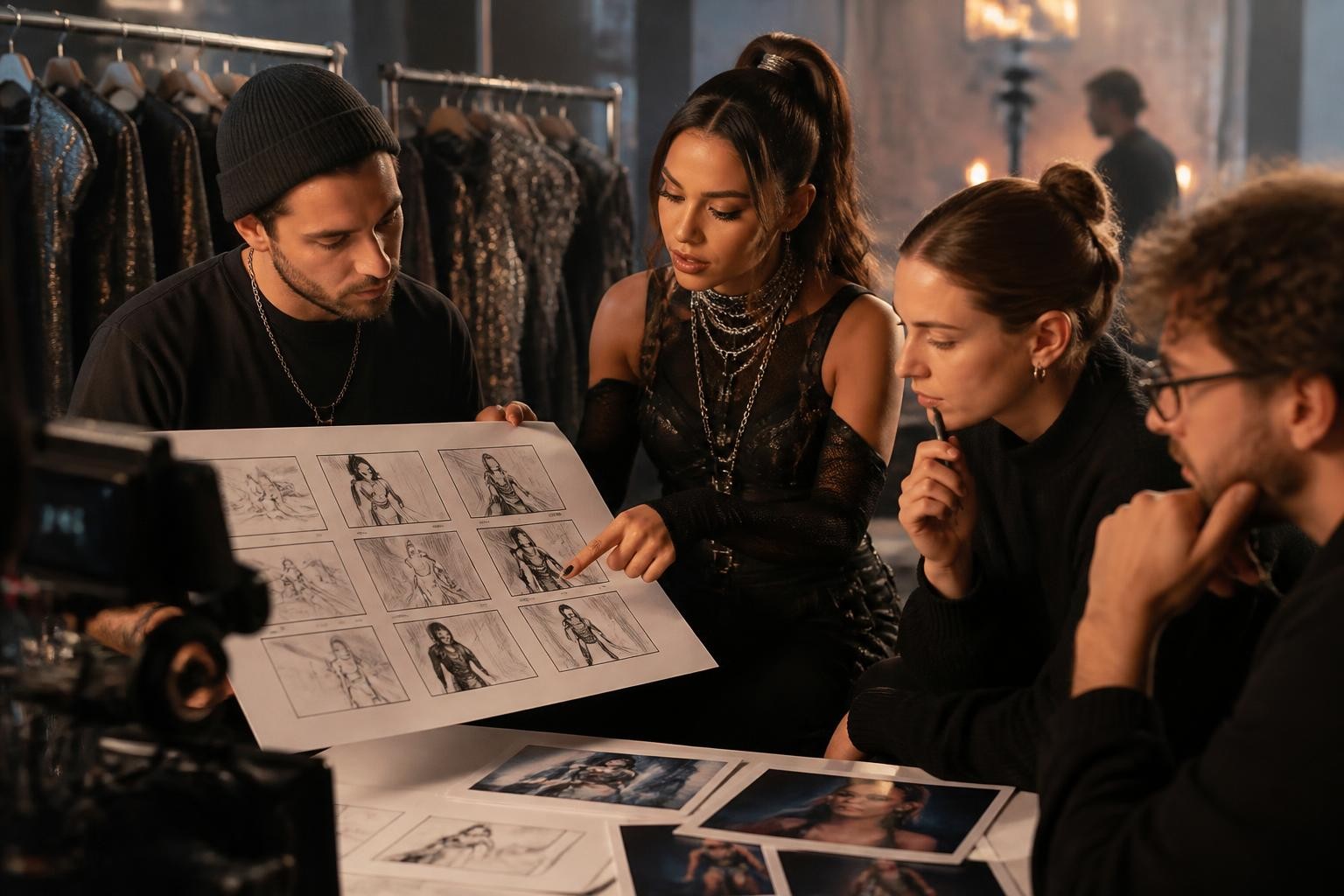
You do not need a full shot list. A useful starting direction can include:
- the emotional tone of the song
- where the performer appears
- wardrobe or styling
- lighting and color direction
- whether the video feels intimate, cinematic, energetic, narrative, performance-driven, surreal, minimal, or another style
- whether the lead performs alone, with dancers, or as part of a group
- the most important recurring location or visual motif
A clear visual direction gives the scenes something to share, which helps the final video feel like one production.
Example visual direction
Song: After the Rain Mood: reflective at first, then hopeful and victorious Lead performer: solo singer Visual world: wet downtown streets after a storm, deep blue evening tones moving gradually into warm sunrise light Performance direction: intimate close-ups during the verses, wider movement during the chorus, recurring reflections in puddles and windows Final image: performer walking into warm morning light as the last vocal resolves
1. Choose the Song
Open ShiMuv Music Video Studio.
The current production workspace can load eligible creator recordings and music-generation sources from ShiMuv. You can also switch to an upload path for an audio file from your device.
When you select an existing ShiMuv source, the studio can bring its title, duration, and available lyrics into the project. When you upload a song instead, the workspace reads the audio duration and prepares the project around that source.
Use music that you created, own, or have permission to use.
2. Add the Performer References
The first character image acts as the lead reference. ShiMuv also allows additional reference images within the Music Video Studio workflow.
Those additional references can be identified as another view of the same lead performer, a supporting person, wardrobe reference, prop or product, or a location reference.
For a performer image, start with a clear portrait or square photo. The production interface checks basic file quality and rejects unsuitable image formats, screenshots, very small images, and extreme aspect ratios before generation.
A useful performer-reference set might include:
- a clear front-facing lead portrait
- a second angle of the same performer
- a wardrobe reference
- a recurring location reference
Do not add extra references just because the workflow allows them. Every image should have a reason to exist in the production.
3. Review the Lyrics
Lyrics matter because they help the studio understand where vocal phrases occur and how the song should be divided into visual windows.
If the selected ShiMuv source already contains lyrics, they can populate the project. If usable lyrics are not present, the production workflow can account for transcription as part of the project preparation and quote path.
Review the lyrics before committing to the final project. Correct obvious words, names, or repeated phrases that matter to the performance.
The cleaner the lyrical structure, the easier it is to make visual decisions around verses, choruses, bridges, and repeated hooks.
4. Decide How the Performer Should Move Through the Song
ShiMuv currently supports performance directions including solo performance, a lead with dancers, and group-oriented staging.
For many songs, a strong result does not require constant dancing. Think about contrast.
A verse might use a restrained close-up. A pre-chorus might introduce camera movement. The chorus can open into a wider frame, larger performance, dancers, or a more dramatic location.
Repeated choruses should feel related, but they do not have to be identical. Keep one recognizable visual idea—lighting, camera movement, location, choreography language, or wardrobe—and vary the framing around it.
5. Let the Song Become Multiple Scenes
The Music Video Studio plans the finished song into a series of scene windows rather than treating the entire track as one unbroken generated clip.
Scene lengths are constrained by the selected video engine and project settings. The project quote is based on the planned scene durations, resolution, engine, frame-chaining behavior, transcription needs when applicable, and lip-sync duration.
This scene-based structure is important because it allows the video to move with the music while still assembling into a complete result.
A simple structure could look like this:
- Intro: establish the world before the first vocal
- Verse 1: intimate performance close-ups
- Pre-chorus: introduce movement or a new camera angle
- Chorus: wider performance and stronger visual energy
- Verse 2: move the performer deeper into the environment
- Bridge: change lighting, location, framing, or emotional tone
- Final chorus: return to the strongest recurring performance language
- Outro: give the song a deliberate final image rather than ending randomly
6. Use Lip Sync Where the Audience Can See the Performance
Lip sync is most useful when the viewer can clearly see the performer delivering the vocal.
That does not mean every shot needs to be a singing close-up. A music video can alternate between performance shots, movement, environmental imagery, dancers, narrative moments, props, and wider cinematic scenes.
Reserve the clearest facial framing for lyrical moments you want the audience to feel directly.
If a scene is primarily atmospheric or the performer is turned away from camera, the emotional job of the shot may matter more than visible mouth movement.
7. Keep Continuity Intentional
AI video can feel fragmented when every scene is prompted as if it belongs to a different production.
To strengthen continuity, repeat a few anchors throughout the project:
- the same lead performer references
- consistent wardrobe unless the story intentionally changes it
- a controlled color progression
- one or two recurring locations
- repeated camera language
- a visual motif connected to the lyric or title
ShiMuv also has a frame-chaining option for supported music-video engines. When enabled, continuity between generated clips can use the preceding visual state as part of the scene-to-scene flow rather than treating every shot as completely isolated.
A Practical Music-Video Brief
You can prepare the project with a compact brief like this:
Create a cinematic music video for my song “[TITLE].”

Mood: [EMOTIONAL DIRECTION]
Lead performer: [SOLO / LEAD WITH DANCERS / GROUP]
Visual world: [LOCATION / ENVIRONMENT]
Color and lighting: [PALETTE / TIME OF DAY / LIGHTING]
Performance style: [INTIMATE / ENERGETIC / CHOREOGRAPHED / NATURAL / OTHER]
Recurring motif: [OBJECT / MOVEMENT / LOCATION / VISUAL SYMBOL]

Use close performance framing for important vocal lines. Let the choruses open into wider, more energetic scenes. Keep the performer, wardrobe, lighting language, and visual world coherent across the full song. End on a deliberate final image that resolves the visual story.
Use this as creative direction, not as a demand that every scene look identical.
Before You Generate
Review the project one more time:
- The selected song is the correct creator-owned or properly licensed audio.
- Performer and reference images are yours or properly authorized.
- Lyrics are accurate enough for the performance.
- The visual direction describes one coherent world.
- The project format fits where you expect to publish the video.
- The lead performer is clearly identifiable in the reference material.
- You understand the displayed project quote before committing to generation.
Try This in ShiMuv
Start with your finished song and one strong performer image. Add only the references that genuinely help define the performer, wardrobe, location, or recurring objects.
Then describe the visual world in plain language and let the song structure drive the scene plan.
CTA: Open ShiMuv Music Video Studio — https://shimuv.com/music-video-studio
TRY THIS IN SHIMUV
Create a lip-synced music-video plan from your song
Use this article as your starting point. Open the prompt and reference image in ShiMuv, then review or customize the request before generation.
Create a coherent lip-synced music video for my finished song using my authorized performer references. Let the song structure drive the scene plan, keep the lead performer visually consistent, use visible lip sync where the audience can see the vocal performance, and build recurring locations, wardrobe, lighting, and visual motifs across the full video.Opens with this prompt and reference image ready to review. Nothing generates or spends credits until you confirm.